


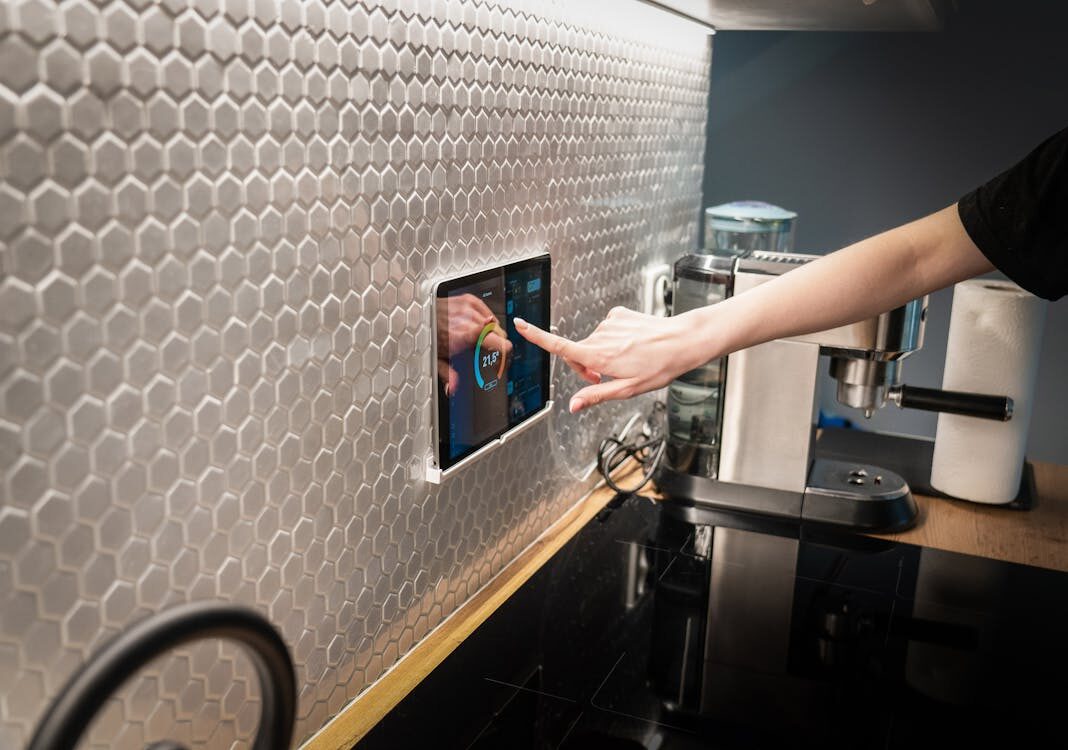
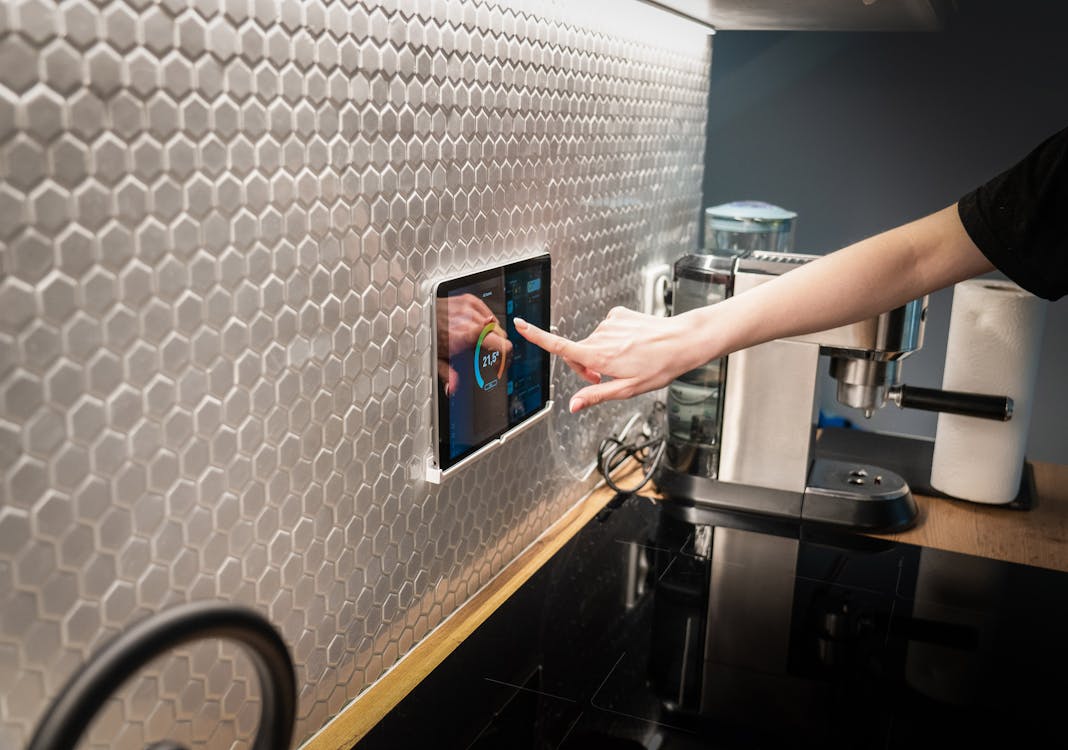
In the smart home world, affordable Rockchip-based Android tablets are becoming increasingly popular as wall-mounted control panels or digital signage displays. We recently took a closer look at one such device – a tablet sold under the Apolosign brand, built on the RK3576 chipset, running Android 14, and equipped with a Zigbee chip, RGB LEDs, relay switches, and temperature/humidity sensors. The findings are worth sharing with anyone building a smart home.
What are we looking at? White-label tablets in the smart home market
These tablets typically come from Chinese OEM manufacturers and are sold under various brand names worldwide – in our case, we found the same hardware carrying both Apolosign and iiyama labels. Originally designed for commercial use as conference room control panels or digital signage, the smart home community has discovered they make excellent wall-mounted Zigbee coordinators or Home Assistant dashboards.
The built-in Zigbee chip (Silicon Labs EFR32) and the MQTT-controllable RGB LEDs, relay switches, and sensors make these devices extremely appealing. But can they be trusted from a security perspective?
Network traffic analysis – clean at first glance
During our investigation, we mapped all active network connections from the device. The initial results were reassuring: every outbound connection pointed exclusively to Google infrastructure – Play Store, Google Mobile Services, Firebase Cloud Messaging (push notifications), and calendar sync. DNS queries used only the local router, with no suspicious DNS servers configured.
So at first glance, the device appeared „clean.” However, a deeper investigation painted a different picture.
What we found beneath the surface
Built-in remote management system
Embedded in the tablet’s firmware, we found a complete Mobile Device Management (MDM) system running with system-level privileges. This application is capable of:
- Silently installing and removing applications without user knowledge
- Executing arbitrary system commands
- Rebooting the device or performing a full factory reset
- Taking screenshots
- Reading device identifiers (MAC address, unique IDs)
- Modifying WiFi and network settings
This system belongs to a Chinese commercial display management platform, and while we did not observe it actively communicating during our testing, it has all the technical capabilities to exercise full remote control over the device.
Hardcoded Chinese server in the MQTT client
Inside the MQTT client binary responsible for controlling the tablet’s hardware (LEDs, relays, sensors), we discovered a hardcoded server address pointing to a major Chinese cloud provider. This means that if the user does not configure their own MQTT broker, the device will automatically attempt to connect to this Chinese server – over an unencrypted connection, no less.
The MQTT client doesn’t just send data (sensor values, switch states) – it also receives commands, meaning the device can be controlled from the server side as well.
The potential risk
Together, these two components form a chain where a remote server could send commands via MQTT, which could activate the management system, which in turn could perform arbitrary operations on the device. It’s important to emphasize: we are not claiming this is being actively exploited, but the technical capability exists.

The Zigbee chip – a positive surprise, with a catch
Security concerns aside, the built-in Silicon Labs EFR32 Zigbee chip is excellent hardware. However, in the stock firmware, the Zigbee chip was tied to a gateway application that communicated exclusively through the problematic MQTT system described above – meaning Zigbee device control would also have been routed through the Chinese server.
The Yabune team resolved this dependency: we replaced the stock gateway application with a custom-developed TCP-to-serial bridge that exposes the Zigbee chip directly on the local network. This way, the chip can be connected to zigbee2mqtt, completely bypassing the manufacturer’s cloud service. The result: a fully functional, wall-mounted Zigbee coordinator that communicates exclusively within the local network and integrates perfectly with Home Assistant.
Lessons learned and recommendations
This case illustrates well that cheap IoT devices – even when they work perfectly fine on the surface – can harbor hidden security risks. Here are some general tips:
- Monitor your device’s network traffic! Using simple tools (such as router logs or network monitoring software), you can check where your smart devices are communicating.
- Use your own MQTT broker! If your device supports MQTT, always configure it to connect to your own local broker. This prevents your data from being sent to unknown servers.
- Review pre-installed applications! White-label devices often come with factory-installed apps that have excessive permissions. It’s worth reviewing and disabling these where possible.
- Segment your IoT devices! Smart devices should be placed in a separate VLAN or network segment, so even if one is compromised, it cannot access your personal devices.
- Updates and security patches: Unfortunately, cheaper devices rarely receive updates. Consider this when making your purchase decision.
Summary
The tablet we examined is fundamentally a useful and versatile device for the smart home – the Zigbee chip, MQTT-controllable hardware components, and Android system together provide a very flexible platform. However, the security audit of its stock firmware revealed that it’s worth being cautious and not blindly trusting such devices.
The good news is that with proper network-level protection and some configuration, these risks can be significantly reduced while retaining all of the device’s useful features.
If you have a similar device or questions about smart home security, don’t hesitate to reach out!



 Magyar
  English